Introduction
Are you new to League of Legends and struggling with the language barrier? Don't worry, you're not alone. Many players find it challenging to navigate the game in a language they're not comfortable with. In this guide, we'll walk you through the process of changing the language in League of Legends, so you can enjoy the game in your preferred language.
Step-by-Step Guide to Change Language in League of Legends
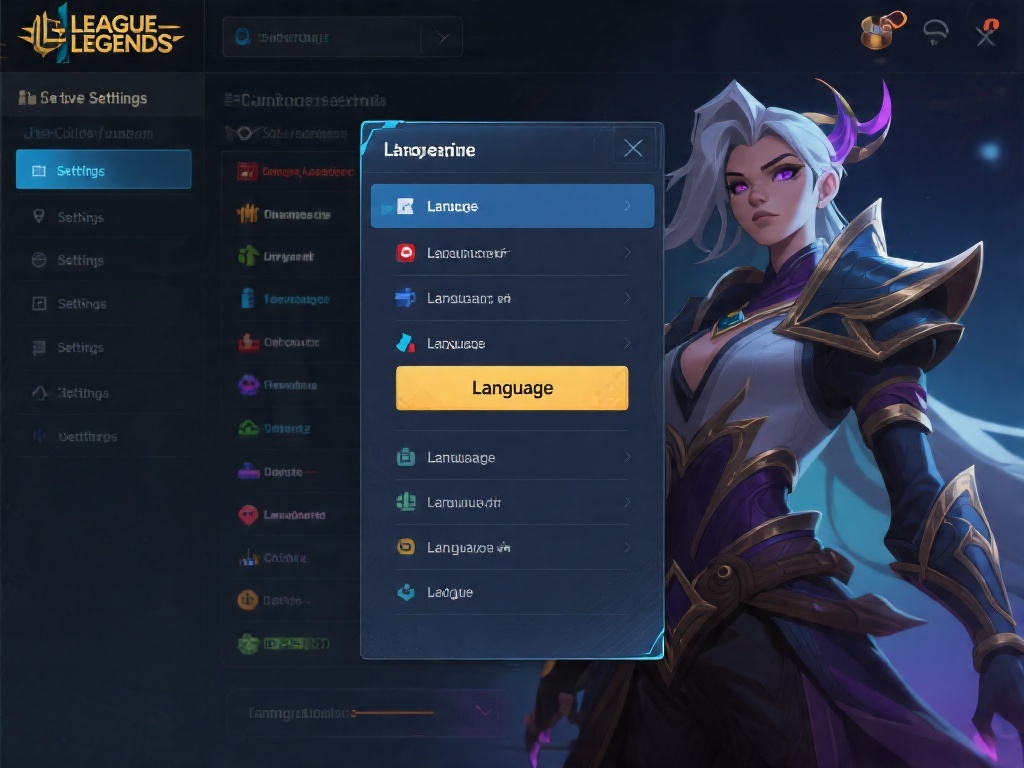
Changing the language in League of Legends is a straightforward process. Follow these steps to set your preferred language:
Open the League of Legends client.
Click on the gear icon to access the settings.
Select the 'Language' tab.
Choose your desired language from the list.
Click 'Apply' and restart the game.
Understanding Language Settings
Understanding the language settings in League of Legends is crucial for a seamless gaming experience. Here's what you need to know:
Game Language: This setting determines the language of the game interface, including menus, tutorials, and chat.
Chat Language: This setting controls the language of the chat feature, allowing you to communicate with other players in your preferred language.
Audio Language: This setting adjusts the language of the game's audio, including voiceovers and sound effects.
Common Issues and Solutions
While changing the language is generally smooth, some players may encounter issues. Here are common problems and their solutions:
Problem: The game doesn't recognize the new language.
Solution: Restart the game and check if the issue persists. If it does, try updating the game client or reinstalling the game.
Problem: The chat feature is still in a different language.
Solution: Ensure that the chat language setting is correctly adjusted. If not, follow the steps outlined in the 'Step-by-Step Guide' section.
Why Change Language in League of Legends?
Changing the language in League of Legends can significantly enhance your gaming experience. Here are a few reasons to consider:
Improved Communication: Understanding the game's instructions and communicating with other players becomes easier.
Enhanced Learning: Learning a new language can be a fun and rewarding experience, and playing a game like League of Legends can help you improve your language skills.
Customization: Personalizing your game settings to match your preferences can make the gaming experience more enjoyable.
Conclusion
Changing the language in League of Legends is a simple process that can greatly enhance your gaming experience. By following the steps outlined in this guide, you can enjoy the game in your preferred language and communicate more effectively with other players. Happy gaming!