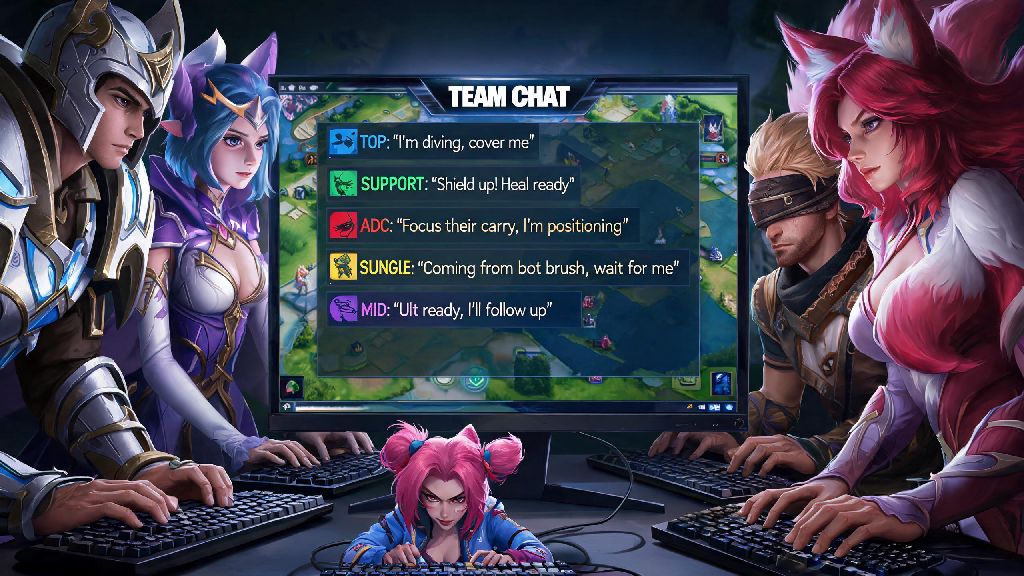
If you’ve ever lost a game because your team didn’t know the enemy jungler was hovering your bot lane, or got hit with a 3-day chat restriction for typing a frustrated remark after a bad gank, you already know how high the stakes of in-game communication are. Learning how to chat in league of legends isn’t just about knowing which button to press to type a message—it’s about using the system to coordinate plays, keep morale up, and avoid unnecessary penalties that can lock you out of ranked queues. Most players never take 10 minutes to learn the ins and outs of LoL’s chat tools, and they leave free LP on the table as a result. This guide breaks down everything you need to know to communicate effectively, no matter what rank you’re playing at.
Core In-Game Chat Features You Need to Master First
LoL’s chat system has multiple separate channels for different use cases, and most casual players only ever use half of them. The default team chat, accessed by pressing Enter, sends messages only to your four teammates, and is the channel you’ll use for 90% of your in-game calls. All chat, accessed by pressing Shift+Enter, sends messages to both teams, but you have to enable it manually in your settings first. Party chat is for people you queued up with before the match, and can be accessed by typing /p before your message so random teammates on your team can’t see it. Even if you’re only playing casual normals, knowing how to chat in league of legends properly helps you avoid miscommunications that lead to lost games.
There are also a handful of simple chat commands that can save you a ton of hassle mid-match, no typing required. The most useful ones to memorize are:
These commands take less than a second to type, and can save you from a ton of distraction mid-fight. For example, if an enemy is typing spam in all chat to tilt your team, typing /mute all takes less time than arguing back, and lets you keep your focus on the objective in front of you. You don’t have to use all chat if you don’t want to, either—most high-elo players keep all chat disabled entirely to avoid unnecessary tilt.
How to Chat in League of Legends for Optimal Team Coordination
Knowing which buttons to press is only half the battle; the other half is knowing what to say, and when to say it. Timing is everything when you’re typing mid-game. You don’t want to be typing a 3-sentence explanation while you’re in the middle of a dragon fight, that’s a surefire way to die and lose the objective. Stick to 1-2 word messages for in-game calls—things like “ward river”, “baron in 30s”, “miss mid” are all short enough to type in 2 seconds, and convey all the info your team needs.
Positive reinforcement goes a lot further than criticism, too. If your support lands a perfect hook, typing “nice hook” takes 2 seconds and makes them more likely to take good risks for the rest of the game. Never type to blame a teammate for a mistake, even if it’s obviously their fault—blame only makes players play worse, and it’s one of the most common reasons for chat restrictions. For example, if your ADC dies to a gank because they didn’t ward, typing “ward next time” is way more effective than calling them an idiot and telling them to uninstall.
You should also use chat to call out things pings can’t convey. Pings can tell you there’s an enemy missing, but they can’t tell you that the enemy midlaner has their ultimate up and is heading to top lane, or that the enemy jungler used their smite 10 seconds ago so you can contest scuttle. Use chat to share context that pings can’t cover, and use pings for immediate, urgent calls—that combination is the sweet spot for communication.
How to Avoid Chat Penalties and Toxic Interactions
Riot’s automated chat moderation system is pretty strict, and it can flag even relatively mild language if it’s deemed hostile. A big part of learning how to chat in league of legends is knowing when to stay quiet, too. Avoid any slurs, discriminatory language, or targeted harassment entirely—those will get you permanent bans fast, no exceptions. But even things like “you’re so bad” or “stop inting” can get you hit with chat restrictions if they’re reported multiple times. If you’re frustrated, it’s better to not type at all, or type something neutral instead of lashing out.
When you’re dealing with toxic teammates, don’t engage. If someone is typing insults at you, muting them immediately is the best move. Arguing back only makes you more tilted, and you run the risk of getting penalized right along with them if you say something rude in response. You can report players after the game for toxic behavior, and Riot does act on those reports regularly. If you do get a chat restriction, don’t appeal it unless you’re 100% sure you didn’t violate the terms of service—most appeals are rejected, and repeated violations can lead to permanent account bans. I’ve seen dozens of players lose accounts they’ve spent hundreds of dollars on just because they typed a few rude remarks during a losing streak, it’s never worth it.
Custom Chat Settings to Streamline Your Communication
Most players use the default chat settings, but tweaking them a bit can make your communication way faster and less distracting. First, you can adjust the chat window size and position so it’s not blocking your minimap or important in-game info. I usually move mine to the bottom left corner, just above the item shop, so I can see messages without taking my eyes off the minimap. Tweaking these settings takes 5 minutes tops, and it’s one of the easiest ways to make how to chat in league of legends feel way less cumbersome mid-fight.
You can also enable or disable specific chat channels entirely based on your preferences. If you never use all chat, you can turn it off so you never see enemy spam. You can also disable party chat if you’re queued with friends but want to focus entirely on team calls for a ranked climb. Another useful setting is the quick chat feature, which lets you bind pre-written messages to specific keys. For example, you can bind a key to type “enemy jungler is at red buff” so you don’t have to type it out mid-game. That’s a huge help for players who type slower, or who play high-APM champions that don’t leave them a lot of time to type. You can also adjust the chat font size so it’s easier to read without squinting, especially if you’re playing on a large monitor. Just test out different settings in normals first before using them in ranked, to make sure they work for your playstyle.
At the end of the day, learning how to chat in league of legends is a small skill that makes a huge difference in both your win rate and your overall enjoyment of the game. You don’t have to be a perfect communicator, but sticking to short, useful calls, avoiding toxicity, and using the built-in chat tools to your advantage will help you climb ranks faster and have fewer frustrating matches. Next time you load into a game, try swapping out one blameful comment for a positive one, or use a quick chat command instead of typing out a long message—you might be surprised how much of a difference it makes.