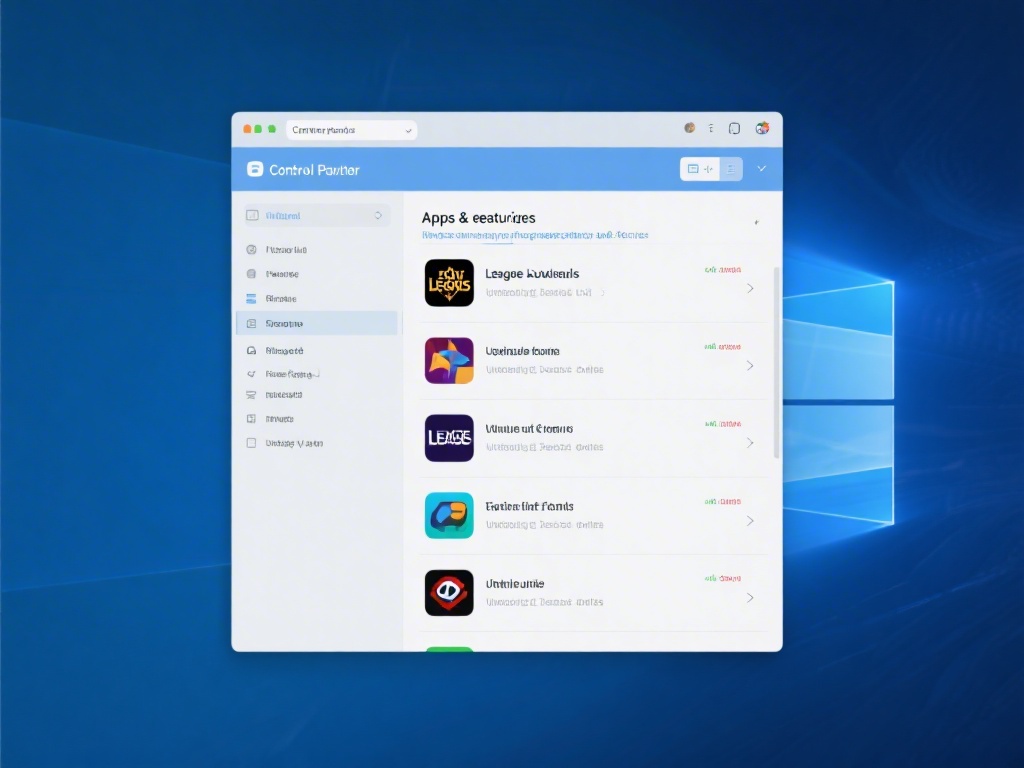
Are you looking to uninstall League of Legends from your computer? Whether you're switching to a new game or simply need more space, knowing how to properly remove LoL is crucial. In this complete guide, we'll walk you through the process, providing detailed steps and tips to ensure a smooth uninstallation.
Step 1: Close League of Legends
Before you begin the uninstallation process, make sure that League of Legends is not running. This includes closing any background processes or services related to the game.
Step 2: Access the Control Panel
Accessing the Control Panel is the first step in manually uninstalling the game. You can do this by clicking on the Start button, typing "Control Panel" into the search bar, and selecting the Control Panel app from the results.
Step 3: Find League of Legends
Scroll through the list of installed programs until you find League of Legends. Once you've located it, click on it to select it.
Step 4: Uninstall League of Legends
With League of Legends selected, click the "Uninstall" button. A confirmation dialog will appear; click "Yes" to confirm the uninstallation.
Step 5: Follow the Uninstallation Wizard
The uninstallation wizard will guide you through the process. Simply follow the prompts and click "Next" until the process is complete.
Step 6: Delete Remaining Files
After the uninstallation wizard has finished, it's a good idea to manually delete any remaining files related to League of Legends. This can be done by navigating to the game's installation directory and deleting the contents.
Step 7: Clean Up Your PC
Once you've uninstalled League of Legends and deleted any remaining files, it's a good idea to clean up your PC. Use a disk cleaner tool to remove temporary files and optimize your system for better performance.
Uninstalling League of Legends can be a straightforward process if you follow these steps. Whether you're looking to free up space or simply switch to a new game, knowing how to properly uninstall LoL is essential. By following this complete guide, you can ensure a smooth and hassle-free uninstallation.