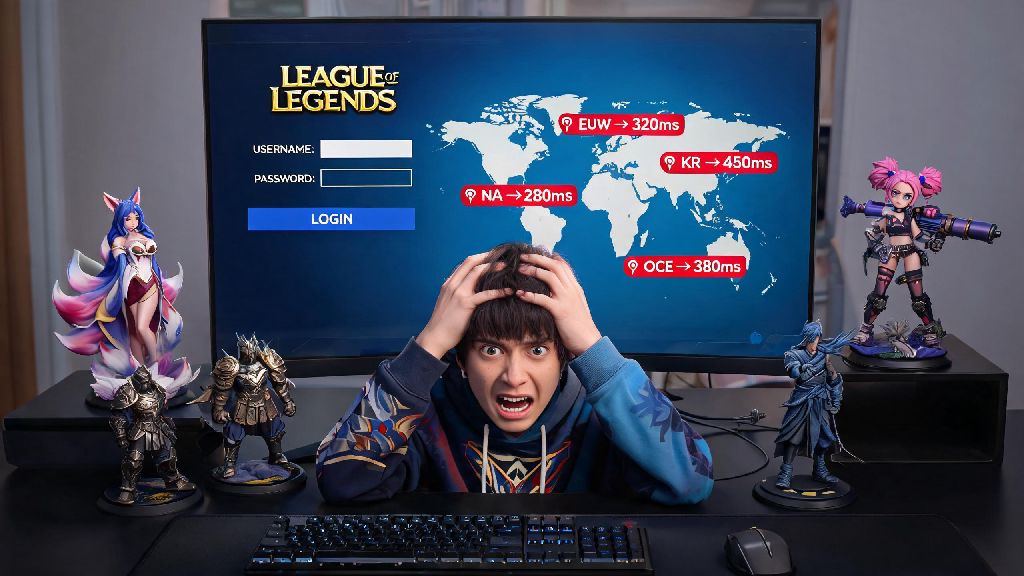
There’s nothing more frustrating than loading into a League of Legends match with 180 ping, or realizing you can’t queue up with a friend who just moved across the world. A lot of players put off switching regions because they think the process is complicated, or that they’ll lose all the skins and champions they’ve collected over years of play. Knowing how to change servers in League of Legends fixes all these pain points, as long as you follow the right steps and avoid common, costly mistakes. This guide walks you through every part of the process, what you’ll keep and lose during transfer, and whether a full server switch is even the right choice for your playstyle.
How to Change Servers in League of Legends: Full Walkthrough
The transfer process only takes a few minutes to complete, but you’ll need to meet a few basic requirements before you get started. You’ll need to pay a 2600 RP transfer fee, and your account must have no pending account penalties like chat restrictions, temporary bans, or unresolved reports. You also can’t have transferred servers in the last 90 days, so make sure you’re committed to the switch before you begin. Once you’ve checked those boxes, follow these steps to complete your transfer:
Key Factors to Consider Before You Transfer Servers
A server transfer isn’t the right call for every player, so it’s worth weighing the pros and cons before you spend 2600 RP on the switch. The biggest benefit, of course, is lower ping if you’re moving to a server that’s physically closer to your current location. I know players who cut their ping from 120 to 19 after switching from NA to LAN, which made a massive difference in their ranked performance. When you change servers in League of Legends, you don’t have to start from scratch with your account collection: all owned skins, champions, RP, blue and orange essence, ward skins, emotes, and profile icons will carry over to your new server automatically.
That said, there are some big tradeoffs to keep in mind. Your rank, match history, honor level, friends list, clan membership, and current split ranked rewards won’t transfer over. You’ll have to play 5 placement matches to get a new rank on the target server, and you’ll need to re-add all your friends if they also play on that region. You also can’t transfer back for 90 days, so if you’re only planning to be in a new region for a month or two, a full transfer isn’t worth the cost or hassle.
Common Mistakes to Avoid During Server Transfer
Even players who’ve done transfers before can make simple mistakes that cost them months of hard-earned progress. If you rush to change servers in League of Legends without checking your inventory first, you could lose hundreds of dollars worth of limited-time items. The most common error is forgetting to spend event tokens before you switch. Event tokens are region-locked and non-transferable, so if you have 3000 Arcane tokens saved up for a mythic skin, you’ll lose every single one of them if you transfer before you spend them. I made this mistake a few years ago when I transferred to EUW to play with college friends, and I lost enough tokens for two prestige skins, so I can’t stress this enough: spend all your event items first.
Another common mistake is assuming your payment methods will work the same way on the new server. Riot auto-adjusts the store to use the target region’s local currency, so if you have a debit card from your old region saved to your account, it might decline purchases due to currency conversion restrictions. Take two minutes to update your payment information after your transfer goes through to avoid missing out on limited-time skin drops. You also want to make sure you use any active clash tickets or event passes before you transfer, since those won’t carry over either, and Riot won’t refund them if you lose them to a transfer.
Alternatives to Full Server Transfer for Casual Play
If you don’t want to spend 2600 RP, or only need to play with friends in another region for a few weeks, there are two much more cost-effective alternatives to a full transfer. The first is creating a free smurf account on the target region. You’ll have to level it up to 30 to play ranked, but you can grind levels quickly with XP boosts, and it’s a good option if you want to play casually for a while without messing with your main account. You can even buy a pre-leveled smurf if you don’t want to spend time grinding normals, just make sure you purchase it from a reputable seller to avoid getting scammed.
The second option is using a gaming VPN to connect to your friend’s region directly from your main account. Riot allows VPN use for casual cross-region play, as long as you aren’t using it to bypass account penalties or purchase RP at a lower regional price. I use a VPN regularly to play normal draft games with my cousin who lives in Seoul, and I’ve never had any account issues. That said, you will almost always get higher ping with a VPN than you would on a local account, so it’s not a good option if you want to play ranked on the other region. Stick to the full transfer if you’re planning to play competitively in the new region long-term.
If you’re moving to a new region long-term, or want to commit to playing with friends across the world for months at a time, knowing how to change servers in League of Legends is a simple, low-hassle process as long as you prep your account first. Take 10 minutes to go through your inventory and spend all region-locked items before you submit your transfer request, and double check that you’re picking the right target server to avoid wasting RP. If you only need to play cross-region every once in a while, stick to a VPN or smurf account to save your money and skip the 90-day transfer cooldown.